
Below you’ll find a practical breakdown of how each tool truly compares — not just feature lists — but how they perform in real execution scenarios, based on your team’s core needs.
Consider this: projects that fail to meet success criteria tend to exceed budgets by 75%, overrun schedules by 46%, and generate 39% less value — underscoring the importance of clarity, discipline, and the right tooling.
1. Karya Keeper – Best for Structured Execution & Clean, Actionable Work Logs
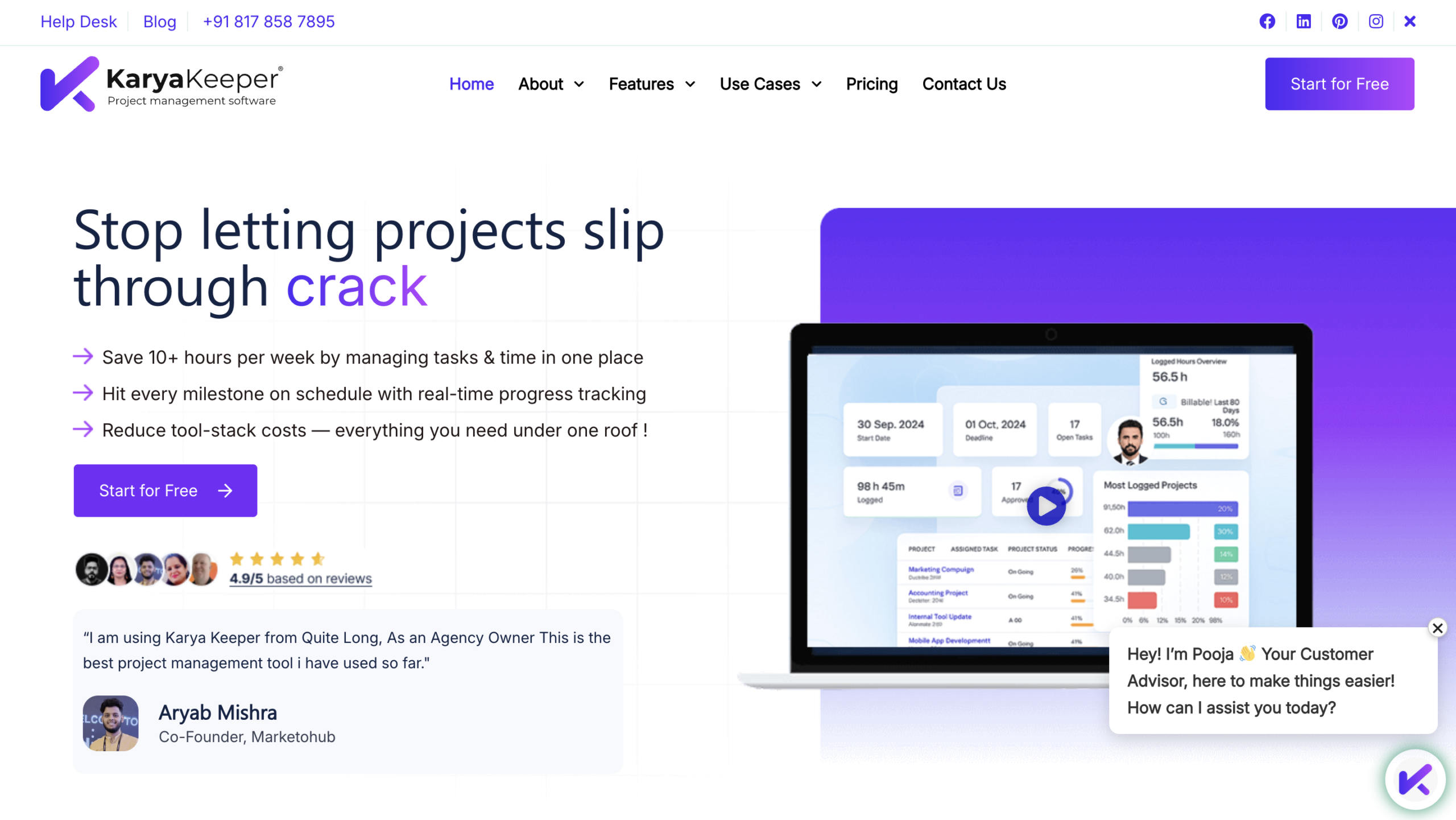
Karya Keeper is a structured project and task management platform built around disciplined execution, standardized work logging, and clean reporting. It combines project planning, task tracking, timesheets, dashboards, team roles, AI forecasting, and work intelligence into one focused system.
Unlike tools that prioritize feature depth first, Karya Keeper emphasizes clarity and maintainability — ensuring that the data entered by teams remains consistent and useful over time.
How It’s a Good Celoxis Alternative
Teams often leave Celoxis not because it lacks capability — but because maintaining structured data becomes difficult.
If reporting requires constant cleanup, or managers chase vague time entries, the problem isn’t missing dashboards — it’s inconsistent inputs.
Karya Keeper directly addresses that through:
- Structured work entries
- Role-based clarity
- Standardized time logging
- Clean executive-ready summaries
In practice, teams switch to Karya Keeper when their real issue is execution discipline, not portfolio hierarchy.
Main Features
Project & Task Management
- Structured task breakdown
- Clear ownership and deadlines
- Kanban board and structured views
Time Tracking & Timesheets
- Standardized work logging
- Task-linked time entries
- Approval-ready timesheets
Dashboards & Reporting
- Real-time project dashboards
- Health tracking
- Executive summaries
Team Roles & Skills Matrix
- Role-based access
- Team visibility
- Skills mapping for resource allocation
AI & Forecasting
- AI-powered work entries
- Risk forecasting
- Delivery predictions
Teams Typically Switch To This Tool When…
- Time entries are inconsistent or vague
- Reporting requires manual cleanup
- Managers spend too much time validating logs
- They want cleaner weekly summaries
- They need structured clarity without enterprise-level complexity
What Typically Improves in 60–90 Days
- Higher timesheet accuracy
- Cleaner reporting without manual corrections
- Reduced follow-up effort by managers
- Improved workload visibility
- More predictable delivery tracking
Who This Tool Is NOT For
- Large enterprises needing complex financial portfolio modeling
- Organizations requiring multi-layered program governance
- Teams that want extreme customization freedom
Pros & Cons Table
Decision Shortcut: Choose This If…
Choose Karya Keeper if:
- Your reporting problem starts with messy inputs
- You want structured work logging
- You prioritize clarity over complexity
- You want adoption without heavy governance overhead
2. monday.com – Best for Flexible Visual Work Management
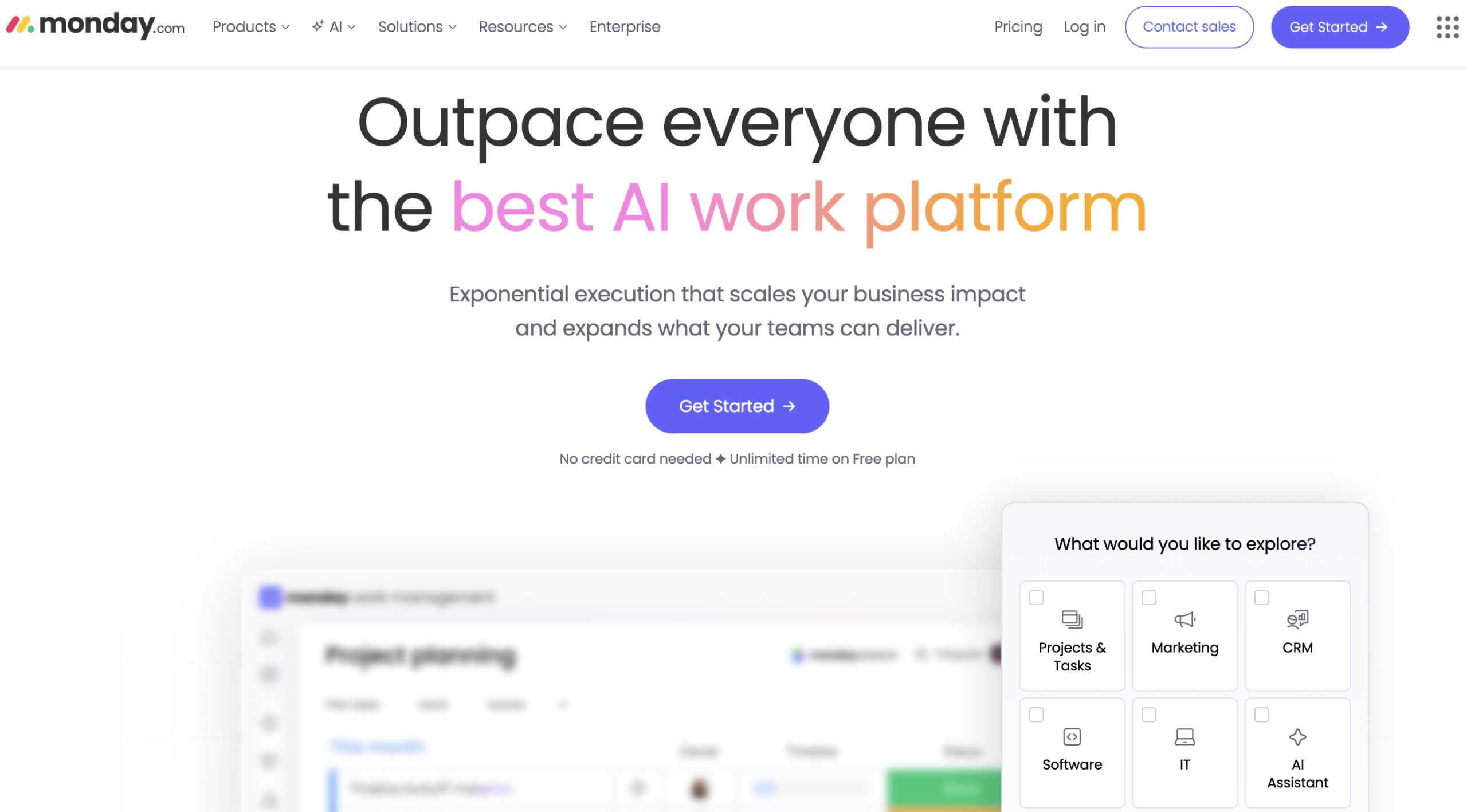
monday.com is a visual work management platform focused on flexibility and cross-functional collaboration. It allows teams to build boards, dashboards, and workflows tailored to their processes.
How It’s a Good Celoxis Alternative
If Celoxis feels rigid or governance-heavy, monday.com offers a lighter, more visual alternative.
Teams move here when they want:
- Faster onboarding
- Simpler collaboration
- Flexible customization
Main Features
- Visual boards & timelines
- Automation rules
- Dashboard widgets
- Cross-team collaboration
- Integration ecosystem
Teams Typically Switch To This Tool When…
- They want less structured governance
- They prioritize visual collaboration
- They need faster adoption
What Typically Improves in 60–90 Days
- Cross-team visibility
- Project coordination
- Task ownership clarity
Who This Tool Is NOT For
- Heavy portfolio governance environments
- Strict compliance-driven PMOs
Pros & Cons Table
Decision Shortcut: Choose This If…
Choose monday.com if:
- You want flexibility
- You need strong visual dashboards
- Adoption speed matters most
3. Wrike – Best for Enterprise Workflows & Portfolio Control
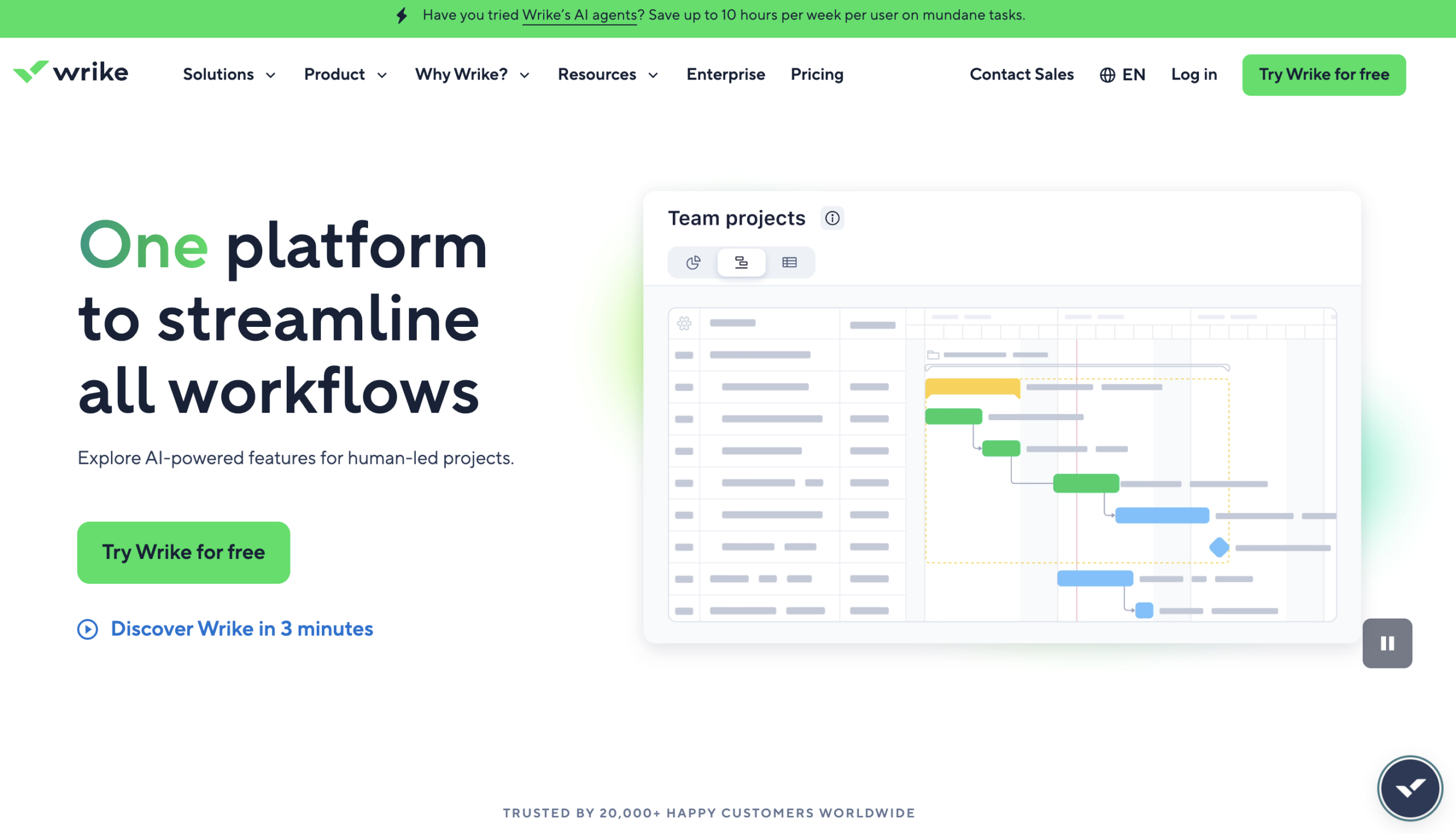
Wrike is a structured enterprise work management platform designed for teams requiring approvals, portfolio visibility, and advanced workflows.
How It’s a Good Celoxis Alternative
Wrike appeals to teams leaving Celoxis but still needing enterprise governance depth.
If you’re specifically evaluating Wrike and comparing structured execution tools in detail, we’ve broken down the pros, limitations, and ideal use cases in our complete Wrike alternatives guide.
Main Features
- Resource planning
- Approval workflows
- Custom dashboards
- Portfolio management
- Automation
Teams Typically Switch To This Tool When…
- They want governance without extreme rigidity
- They need approval-heavy workflows
- Portfolio visibility is critical
What Typically Improves in 60–90 Days
- Workflow visibility
- Approval tracking
- Portfolio reporting
Who This Tool Is NOT For
- Small teams seeking simplicity
- Organizations with minimal governance needs
Pros & Cons Table
Decision Shortcut: Choose This If…
Choose Wrike if:
- You still need enterprise structure
- Governance depth matters
- Portfolio visibility is priority
4. Smartsheet – Best for Spreadsheet-Style Project Planning
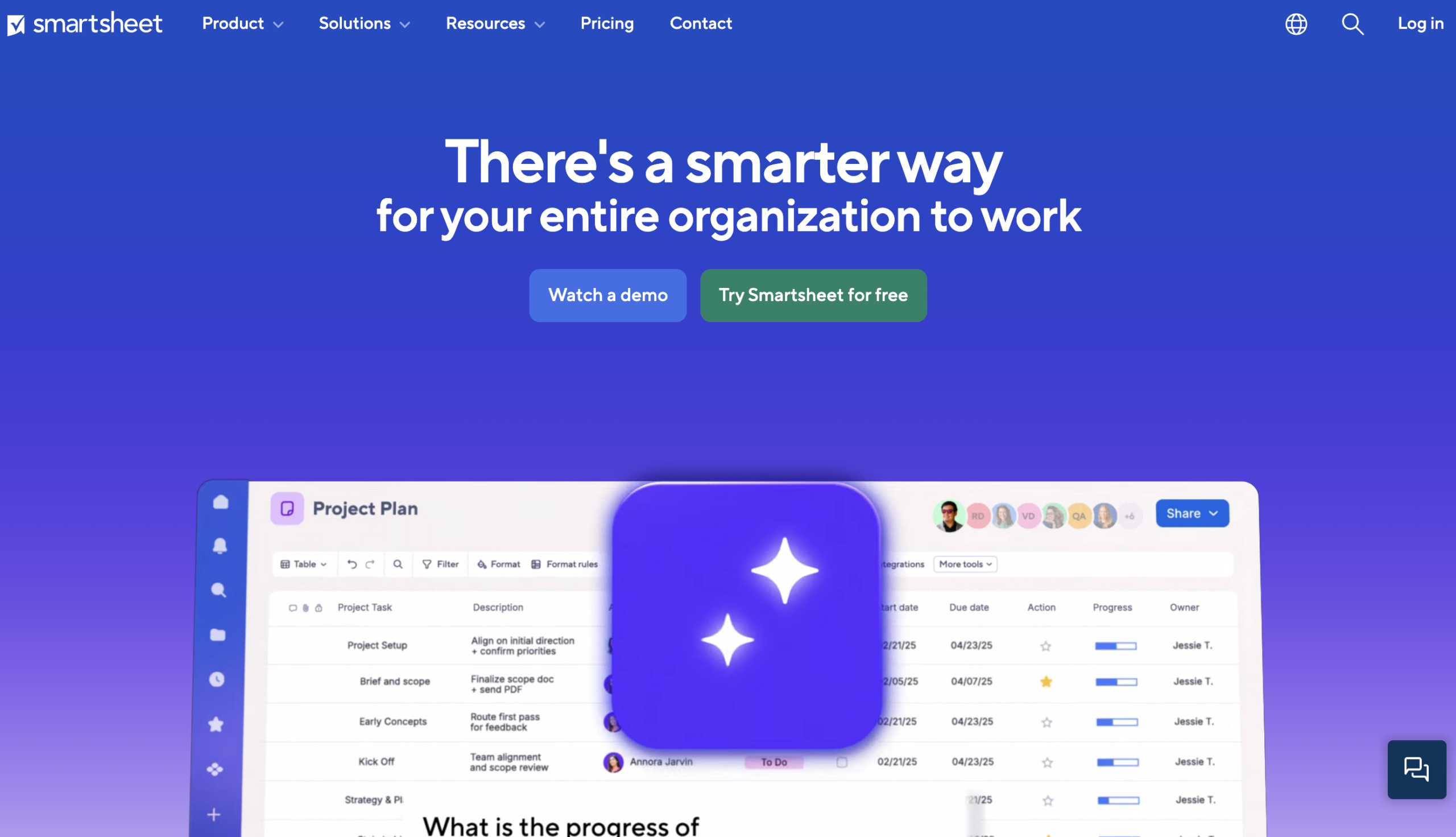
Smartsheet combines spreadsheet-style interfaces with structured project management capabilities. It’s designed for teams that want familiarity (Excel-like grids) while adding automation, reporting, and project tracking on top.
It sits between lightweight collaboration tools and formal enterprise PPM systems.
How It’s a Good Celoxis Alternative
Smartsheet appeals to teams that find Celoxis heavy but still want structured planning and reporting control.
It’s especially attractive for organizations transitioning from Excel-based planning into a more scalable system — without moving into overly complex governance tools.
Main Features
Project Planning
- Grid view with structured rows & columns
- Gantt charts
- Dependencies
Automation
- Alerts & notifications
- Workflow rules
Reporting
- Custom dashboards
- Report builders
Collaboration
- Comments & file attachments
Teams Typically Switch To This Tool When…
- They are heavily spreadsheet-driven
- They want structured planning without enterprise rigidity
- Reporting needs automation beyond Excel
What Typically Improves in 60–90 Days
- Reporting automation
- Task visibility
- Version control
- Reduced spreadsheet chaos
Who This Tool Is NOT For
- Teams seeking highly visual boards
- Organizations wanting deep portfolio-level financial governance
- Teams that dislike grid-style interfaces
Pros & Cons Table
Decision Shortcut: Choose This If…
Choose Smartsheet if:
- Your team is Excel-native
- You need structured reporting
- You want automation without visual-heavy boards
5. Microsoft Project – Best for Formal Scheduling & Heavy Dependencies
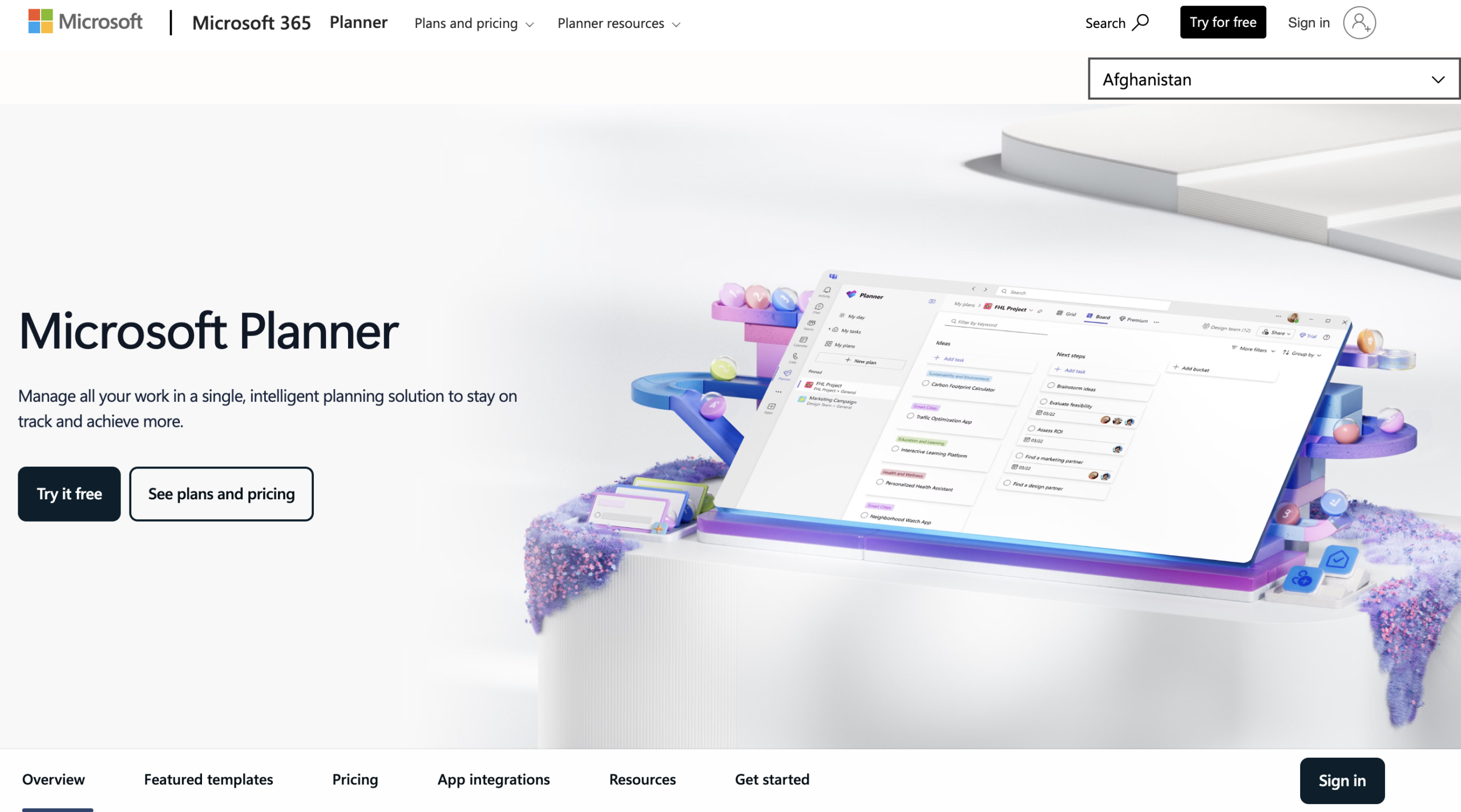
Microsoft Project is a traditional project scheduling platform built around timeline control, dependencies, resource allocation, and critical path management.
It remains popular in industries requiring strict planning discipline.
How It’s a Good Celoxis Alternative
If your primary use of Celoxis is scheduling logic and dependency tracking — and you operate in a formal PMO structure — Microsoft Project can provide that depth without broader collaboration features.
Main Features
Scheduling
- Gantt charts
- Critical path analysis
- Baseline tracking
Resource Management
- Workload allocation
- Resource leveling
Integration
- Microsoft 365 ecosystem
Teams Typically Switch To This Tool When…
- They operate under strict timeline control
- They need advanced dependency modeling
- They follow traditional waterfall PM practices
What Typically Improves in 60–90 Days
- Schedule visibility
- Timeline predictability
- Resource allocation clarity
Who This Tool Is NOT For
- Agile cross-functional teams
- Organizations seeking simple collaboration
- Teams resistant to steep learning curves
Pros & Cons Table
Decision Shortcut: Choose This If…
Choose Microsoft Project if:
- Scheduling precision is your top priority
- You operate in structured PMO environments
6. Asana – Best for Cross-Functional Collaboration
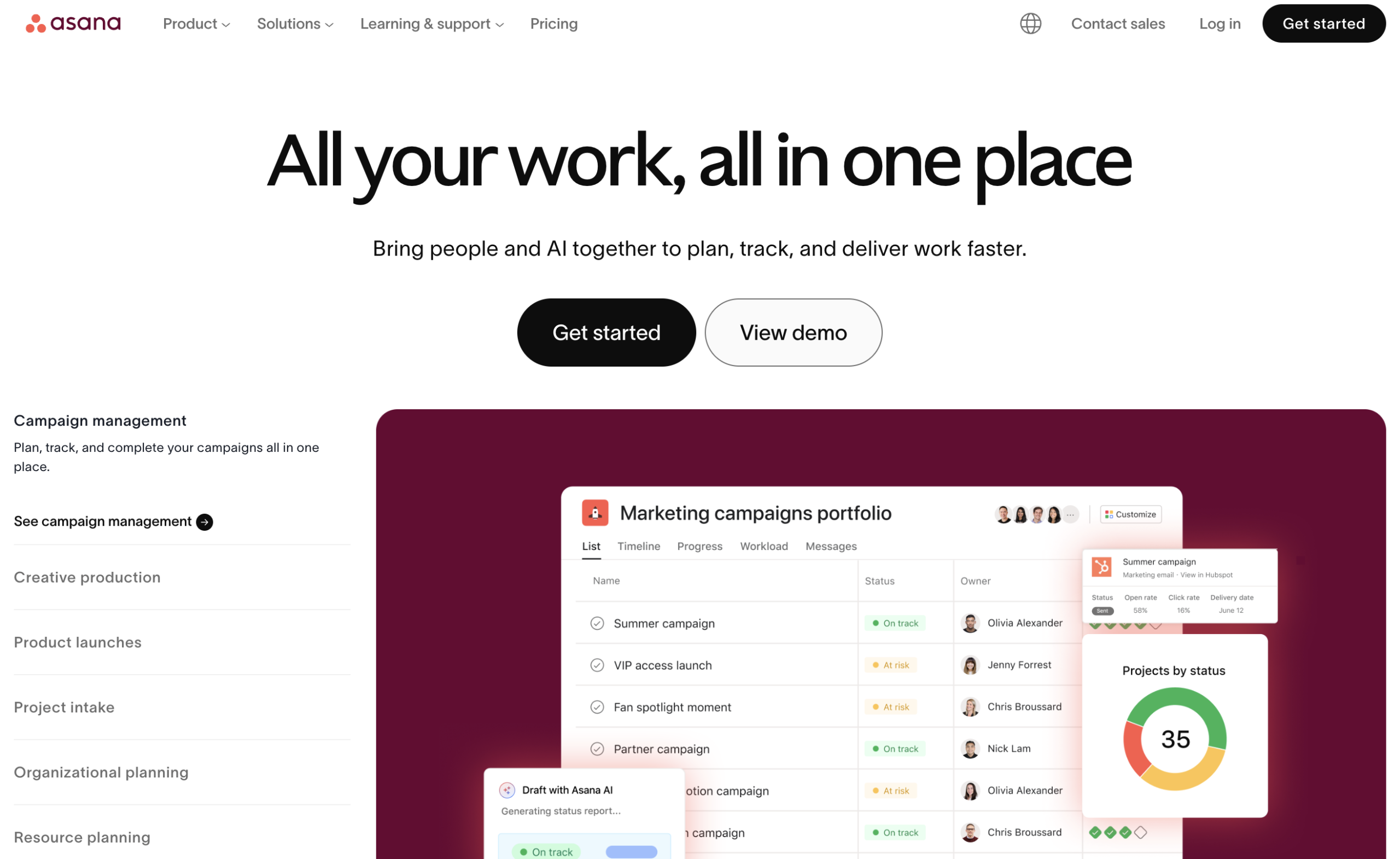
Asana is a widely adopted work management platform built around tasks, collaboration, and goal alignment. It emphasizes simplicity and usability across departments.
How It’s a Good Celoxis Alternative
Asana fits teams leaving Celoxis because they want less complexity and more cross-functional collaboration — especially for marketing, operations, and internal project coordination.
If your team is currently using Asana and evaluating structured execution or deeper reporting controls, we’ve compared the best Asana alternatives in a separate breakdown.
Main Features
- Task lists & boards
- Timeline view
- Milestones
- Goals tracking
- Automation rules
Teams Typically Switch To This Tool When…
- Celoxis feels too structured
- They prioritize collaboration
- They want faster onboarding
What Typically Improves in 60–90 Days
- Cross-team visibility
- Task accountability
- Collaboration clarity
Who This Tool Is NOT For
- Heavy resource planning environments
- Complex portfolio governance setups
Pros & Cons Table
Decision Shortcut: Choose This If…
Choose Asana if:
- You want simplicity
- You prioritize collaboration
- You need fast team adoption
7. ClickUp – Best for Highly Customizable Workspaces
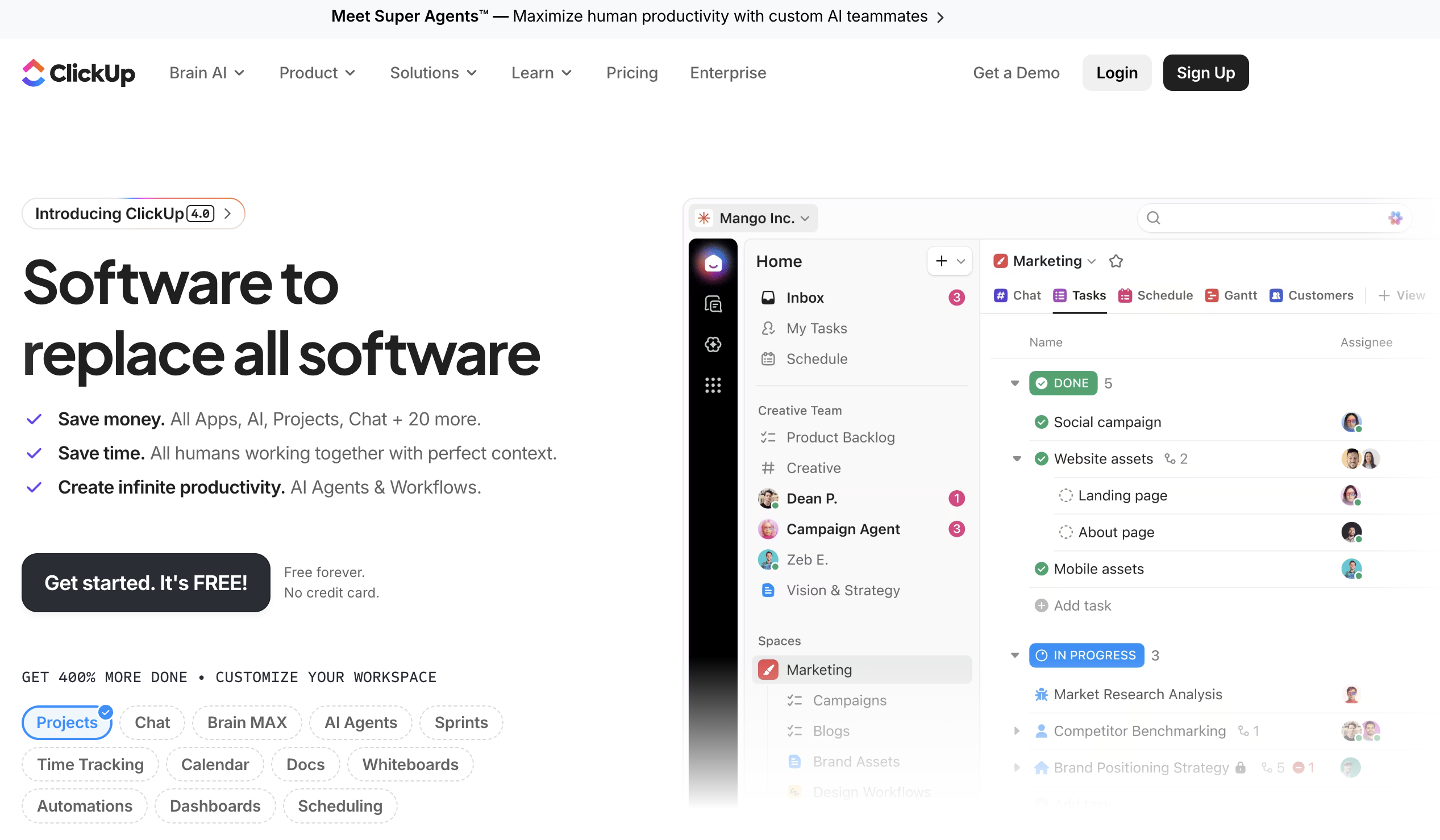
ClickUp positions itself as an all-in-one productivity workspace combining tasks, docs, dashboards, and workflows into one platform.
How It’s a Good Celoxis Alternative
ClickUp appeals to teams that want flexibility and feature density at competitive pricing — especially if they want to replace multiple tools with one.
Main Features
- Multiple views (list, board, calendar)
- Custom workflows
- Built-in time tracking
- Dashboards & reporting
Teams Typically Switch To This Tool When…
- They want customization freedom
- They are consolidating tools
- They want affordability with feature depth
What Typically Improves in 60–90 Days
- Tool consolidation
- Workflow flexibility
- Cross-team alignment
Who This Tool Is NOT For
- Teams lacking governance discipline
- Organizations needing strict reporting standardization
Pros & Cons Table
Decision Shortcut: Choose This If…
Choose ClickUp if:
- You want flexibility
- You can enforce governance
- Budget efficiency matters
8. Zoho Projects – Best Budget-Friendly Ecosystem Fit
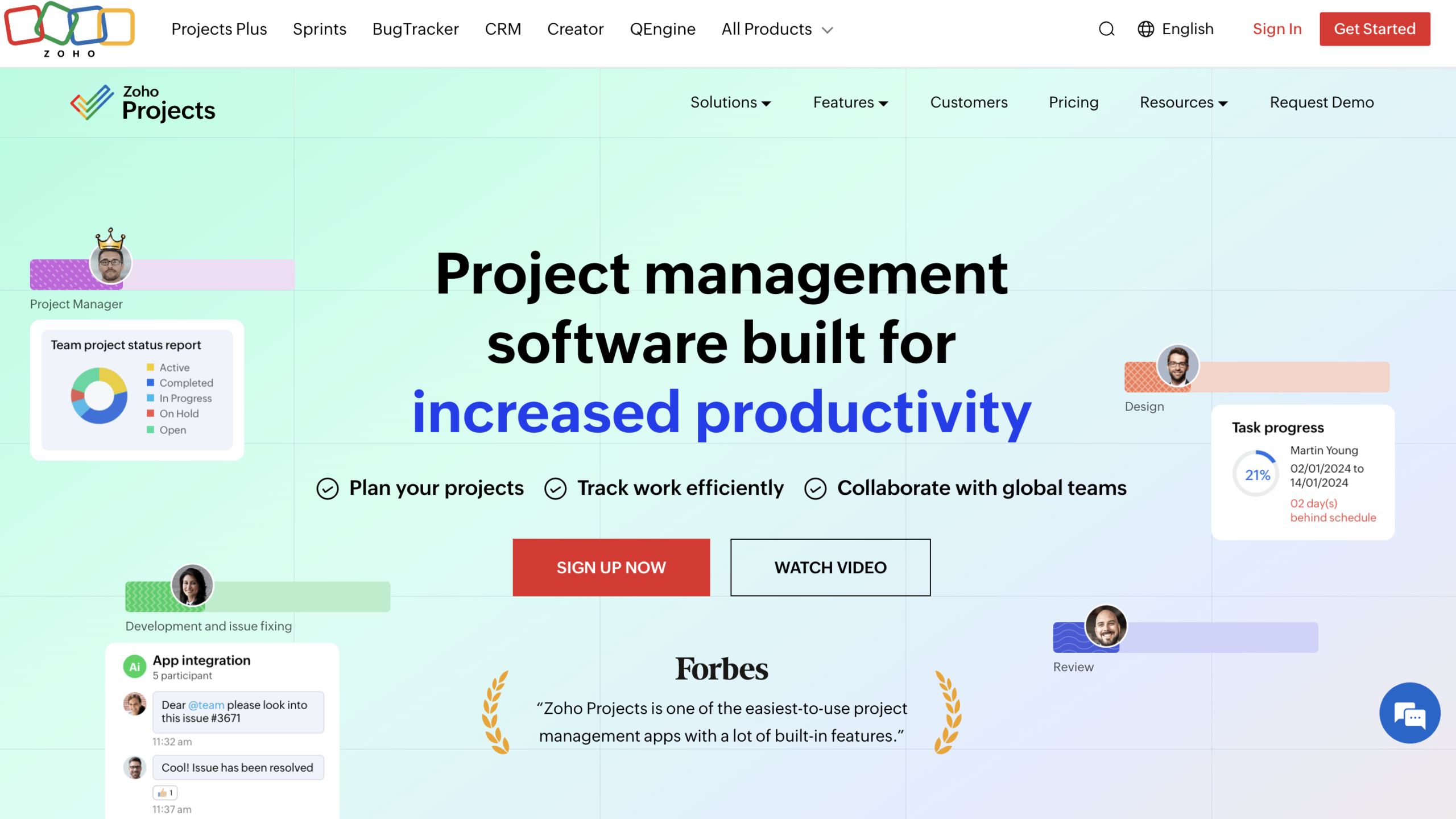
Zoho Projects is a structured project management solution designed for teams looking for solid core features at accessible pricing — especially within the Zoho ecosystem.
How It’s a Good Celoxis Alternative
It’s attractive for organizations that want project tracking, time logging, and workflow automation without enterprise-level pricing.
Main Features
- Task management
- Gantt charts
- Time tracking
- Automation
- Integration within Zoho apps
Teams Typically Switch To This Tool When…
- Budget constraints exist
- They already use Zoho ecosystem
- They want structured basics without complexity
What Typically Improves in 60–90 Days
- Workflow automation
- Task tracking discipline
- Basic reporting structure
Who This Tool Is NOT For
- Enterprise-level portfolio governance
- Advanced AI-driven forecasting needs
Pros & Cons Table
Decision Shortcut: Choose This If…
Choose Zoho Projects if:
- Budget is primary concern
- You’re in Zoho ecosystem
- You need structured basics
9. Teamwork – Best for Client Services & Billable Projects
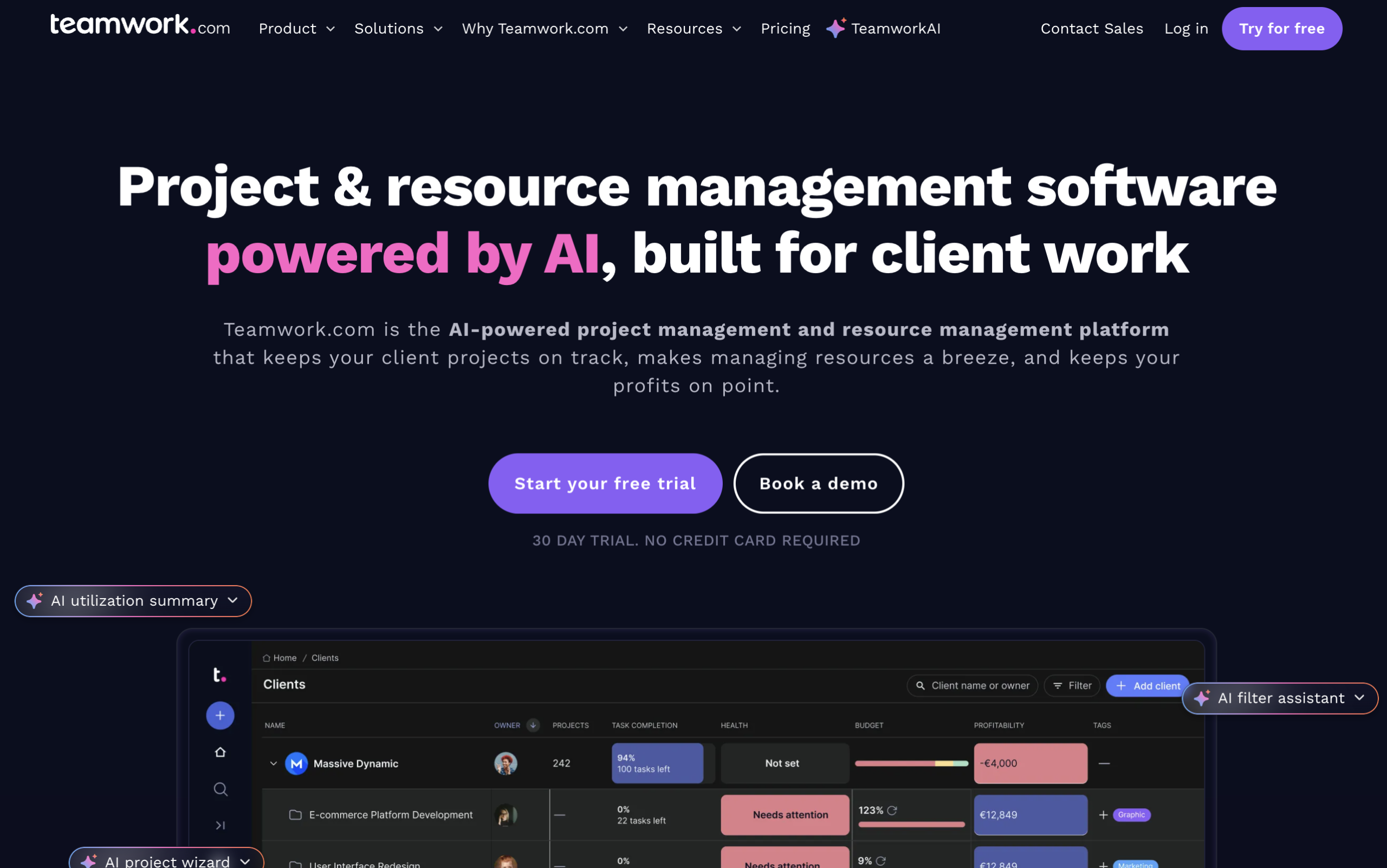
Teamwork is a project management platform designed primarily for client delivery and service-based teams.
How It’s a Good Celoxis Alternative
If your Celoxis usage revolves around billable work, client reporting, and delivery tracking, Teamwork can align well.
Main Features
- Task & milestone tracking
- Time tracking & billing
- Client collaboration portals
- Profitability tracking
Teams Typically Switch To This Tool When…
- They manage client projects
- Billing accuracy is critical
- They need client-facing transparency
What Typically Improves in 60–90 Days
- Billing accuracy
- Client visibility
- Delivery tracking
Who This Tool Is NOT For
- Internal-only teams
- Deep enterprise portfolio governance needs
Pros & Cons Table
Decision Shortcut: Choose This If…
Choose Teamwork if:
- You run billable client projects
- Profitability tracking matters
10. Jira (+ Add-ons) – Best for Agile Software Teams
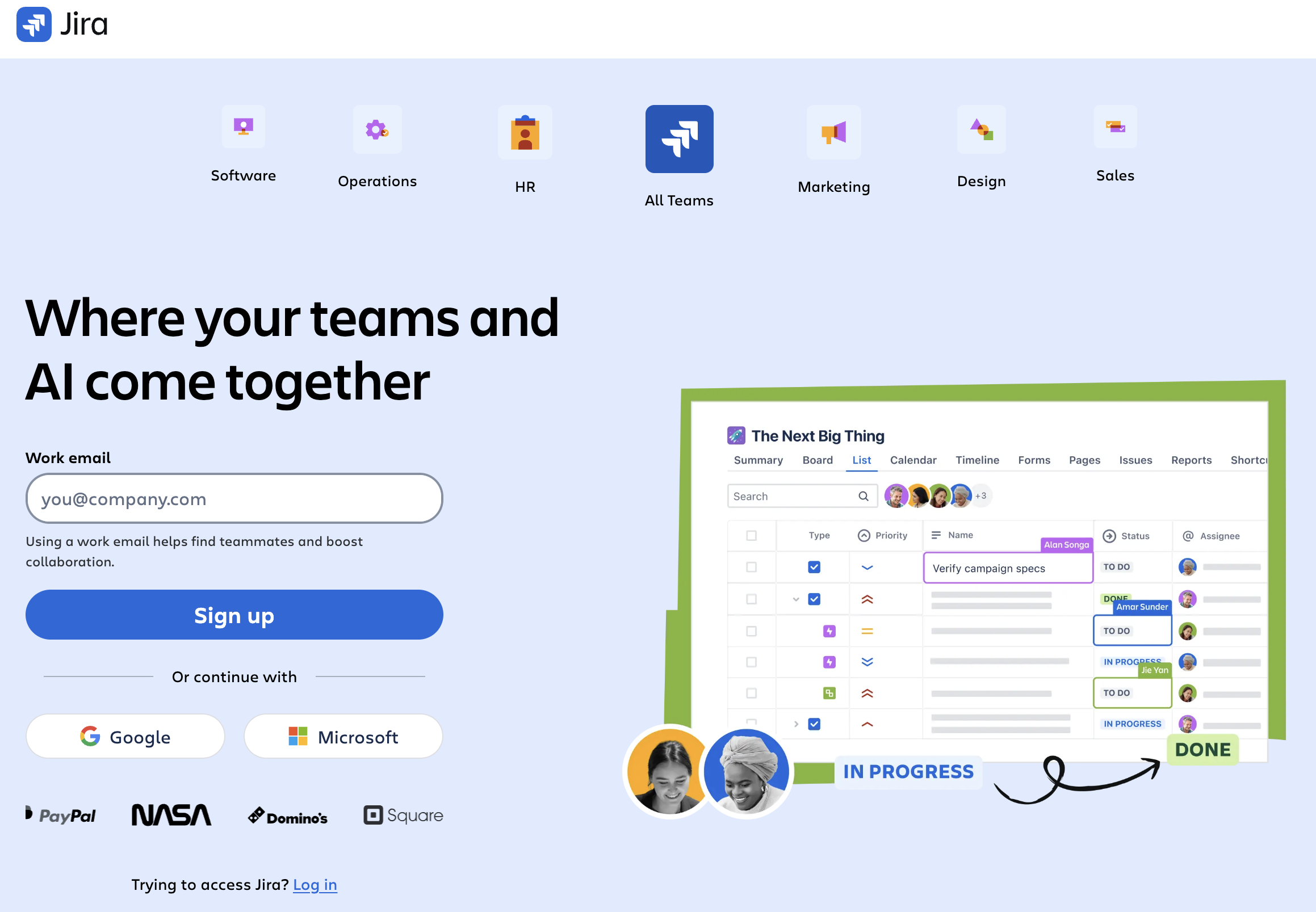
Jira is an agile project management and issue tracking system primarily used by software and technical teams.
How It’s a Good Celoxis Alternative
For engineering-focused organizations, Jira provides strong sprint management, backlog control, and development integration.
Main Features
- Sprint planning
- Issue tracking
- Custom workflows
- Dev integrations
Teams Typically Switch To This Tool When…
- They operate in agile sprints
- They need backlog prioritization
- They require development integrations
What Typically Improves in 60–90 Days
- Sprint visibility
- Bug tracking clarity
- Agile execution discipline
Who This Tool Is NOT For
- Non-technical cross-functional teams
- Organizations seeking simple dashboards